
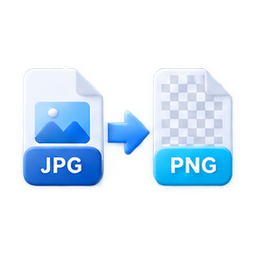
Convert to JPG
Convert PNG, WebP, and other browser-readable images to compact JPG files.
Drop an image here, or choose from your device.
Supports JPG, PNG, and WebP
Related quick tools
View category
Guide and FAQ
Browser processing
How to use Convert to JPG
- 1. Choose an image from your device.
- 2. Adjust quality, format, size, or aspect ratio.
- 3. Process locally and download the result.
JPG output
Adjustable quality
Local conversion
FAQ
Does JPG support transparency?
No. Transparent areas are exported on a white background.
Advertisement